
Hey,
Happy weekend! Are you planning your event schedule for next week and lining up people you’d like to meet?
Thank you for your patience and interest in Walnut AI. We are a team committed to developing reliable, AI-powered solutions that empower professionals. We are excited to invite a small, dedicated group of users to be the first to experience our core suite of productivity features—the foundation upon which we are building something much bigger for your future.
Here is a look at the three features you will gain access to in the beta:
1. Smart Event Search
Stop wasting time searching. Start attending the right events. We aggregate 7000+ events across multiple platforms, and you can then use the powerful AI search feature to look up events based on topic, industry, location, or even complex criteria like “networking opportunities for data scientists in San Francisco next week.” Walnut agent will also give you the specific reasons!
2. The All-in-One Bio with Personal Podcast
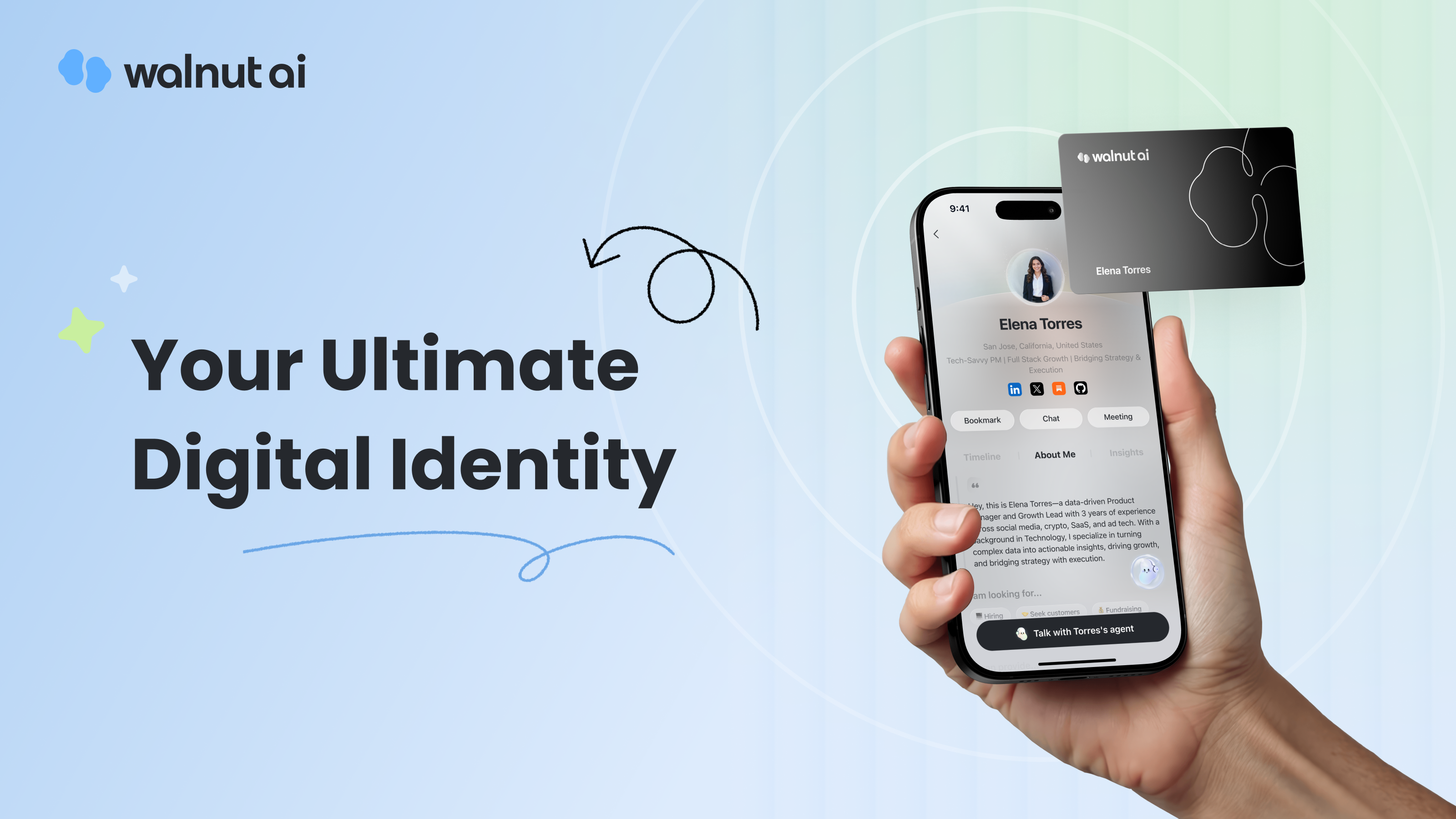
We want to give you a comprehensive, unique professional identity that makes a lasting impression. Easily build your detailed personal profile covering your experience and interests. Then, use the built-in Podcast feature to create a short, introductory podcast right on your bio page, allowing you to share your story instantly with new contacts.
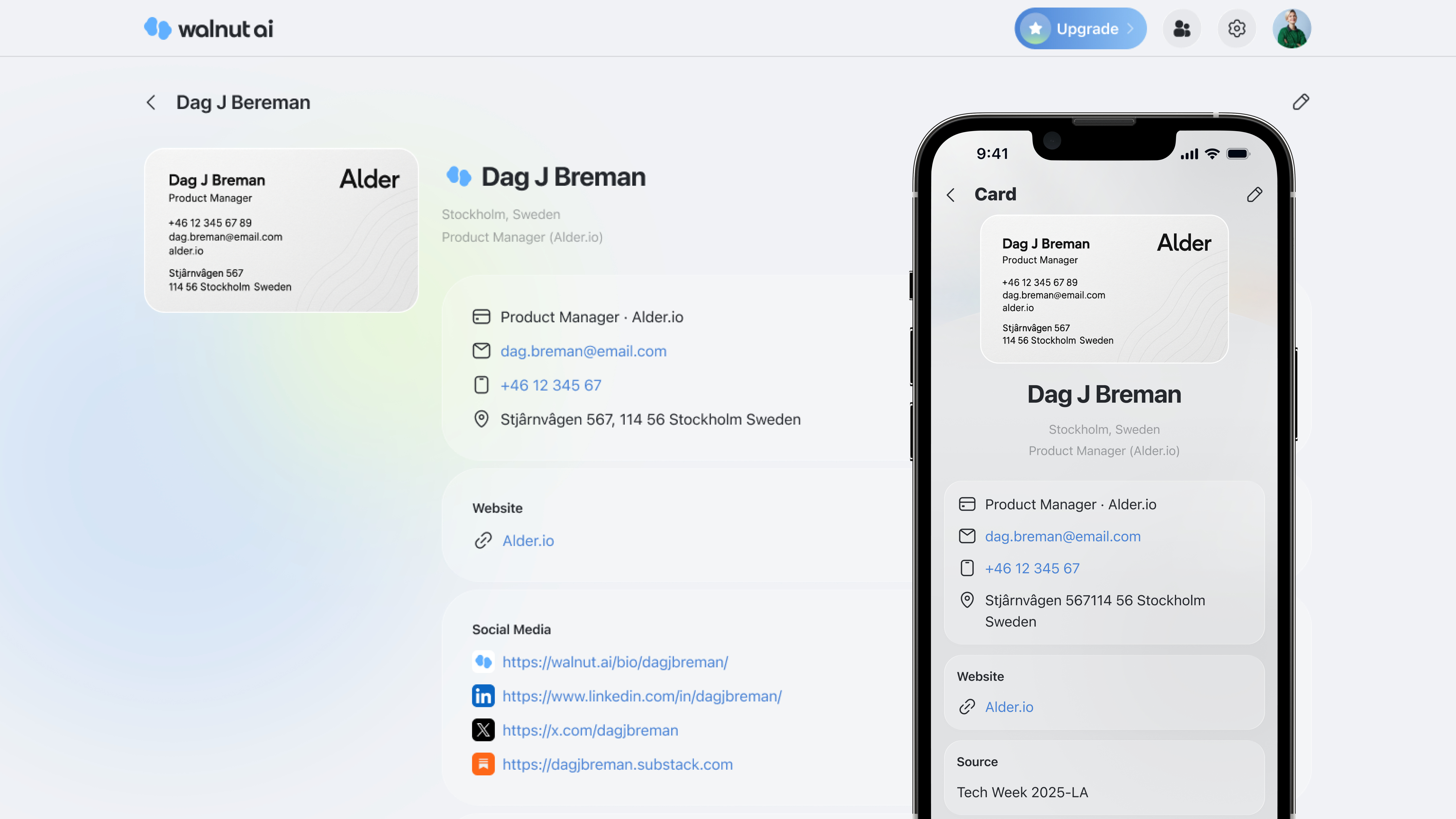
3. Business Card Scanner for Quick Connection Management
Note: You can only scan business cards on iOS and Android, PC is used for view.
To seamlessly manage your network without the headache of manual entry or keeping paper business cards. Use your phone to scan a business card, and the information will be instantly digitized in 1 second and stored in your Walnut AI Connection, where you can then easily organize, tag, and follow up with new contacts.
🌰 How to use Walnut AI?
Step 1: Go to https://walnut.ai/events
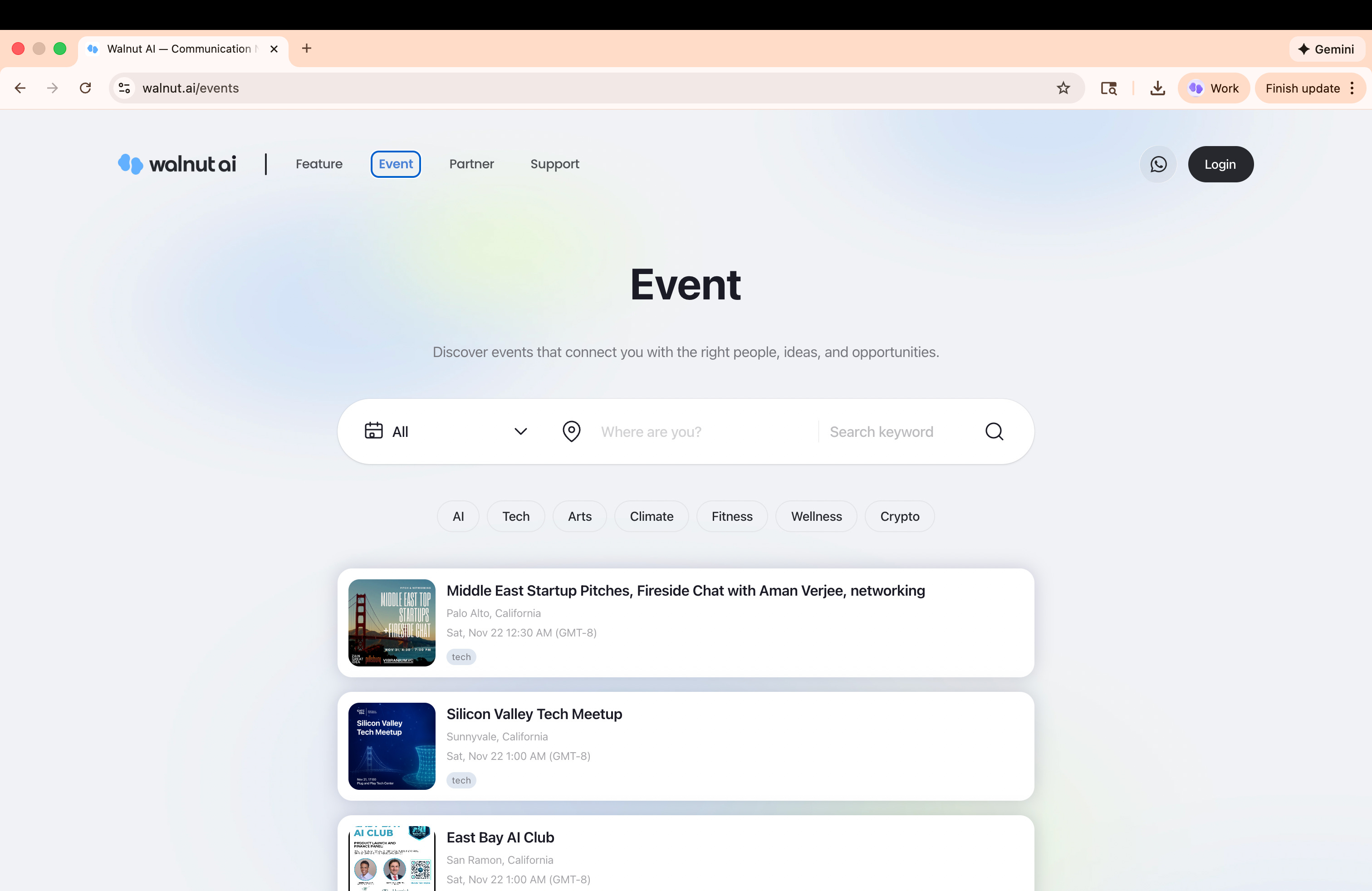
Step 2: Click login button
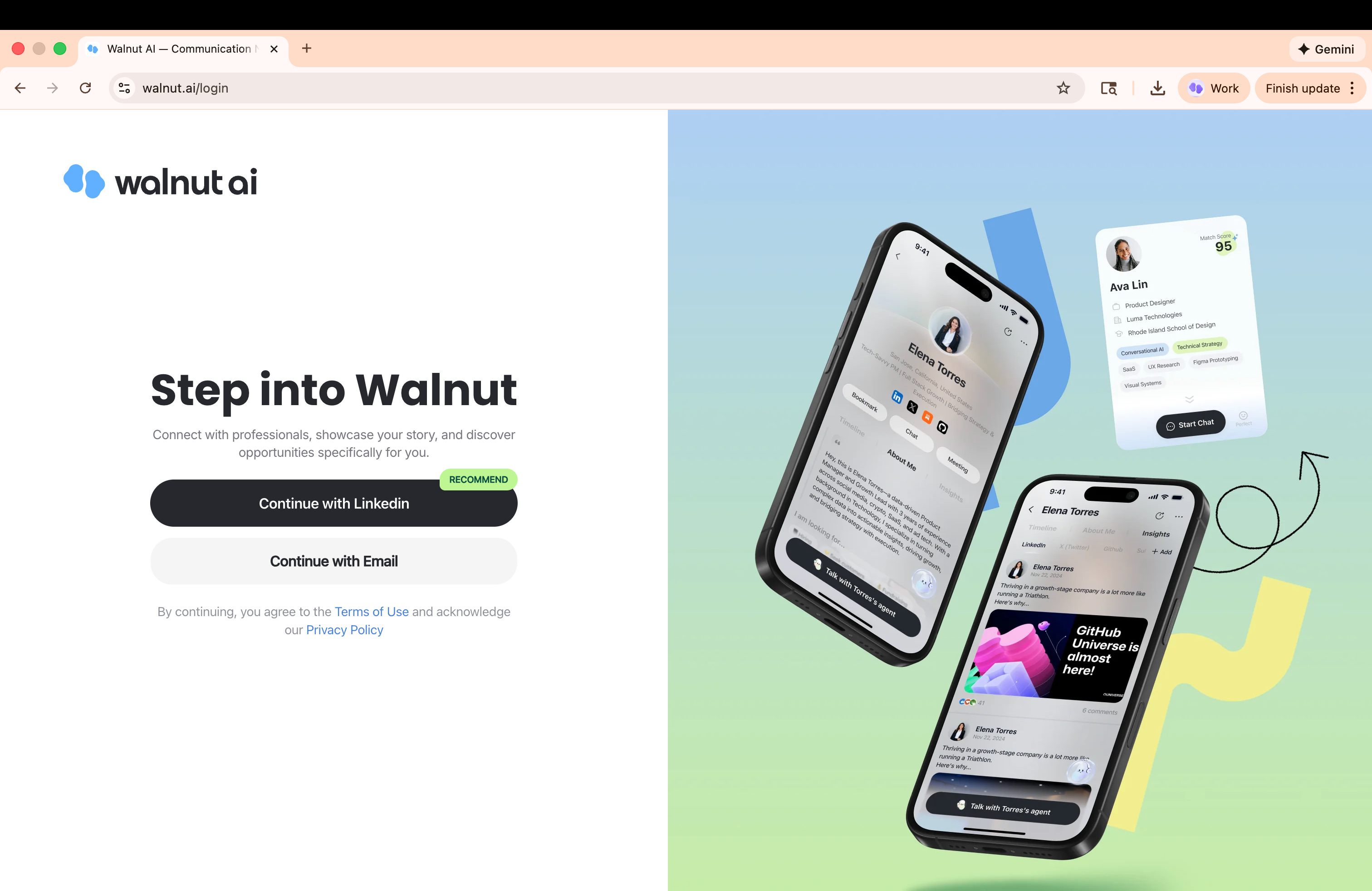
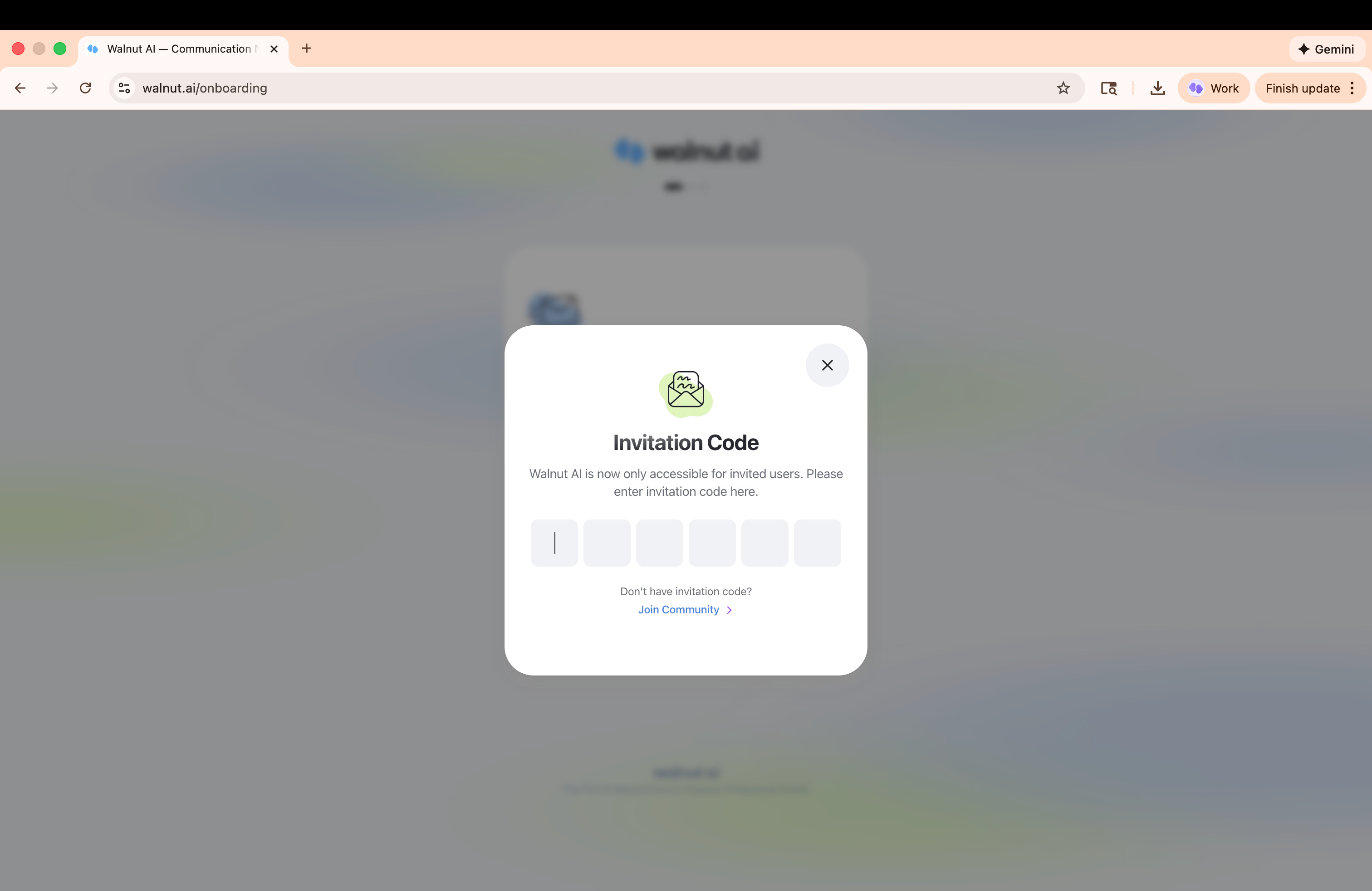
Step 3: Choose one signup method and enter invitation code test02
Step 4: After finishing signup process, you could set up your profile, smartly search events and manage connections with Walnut AI.
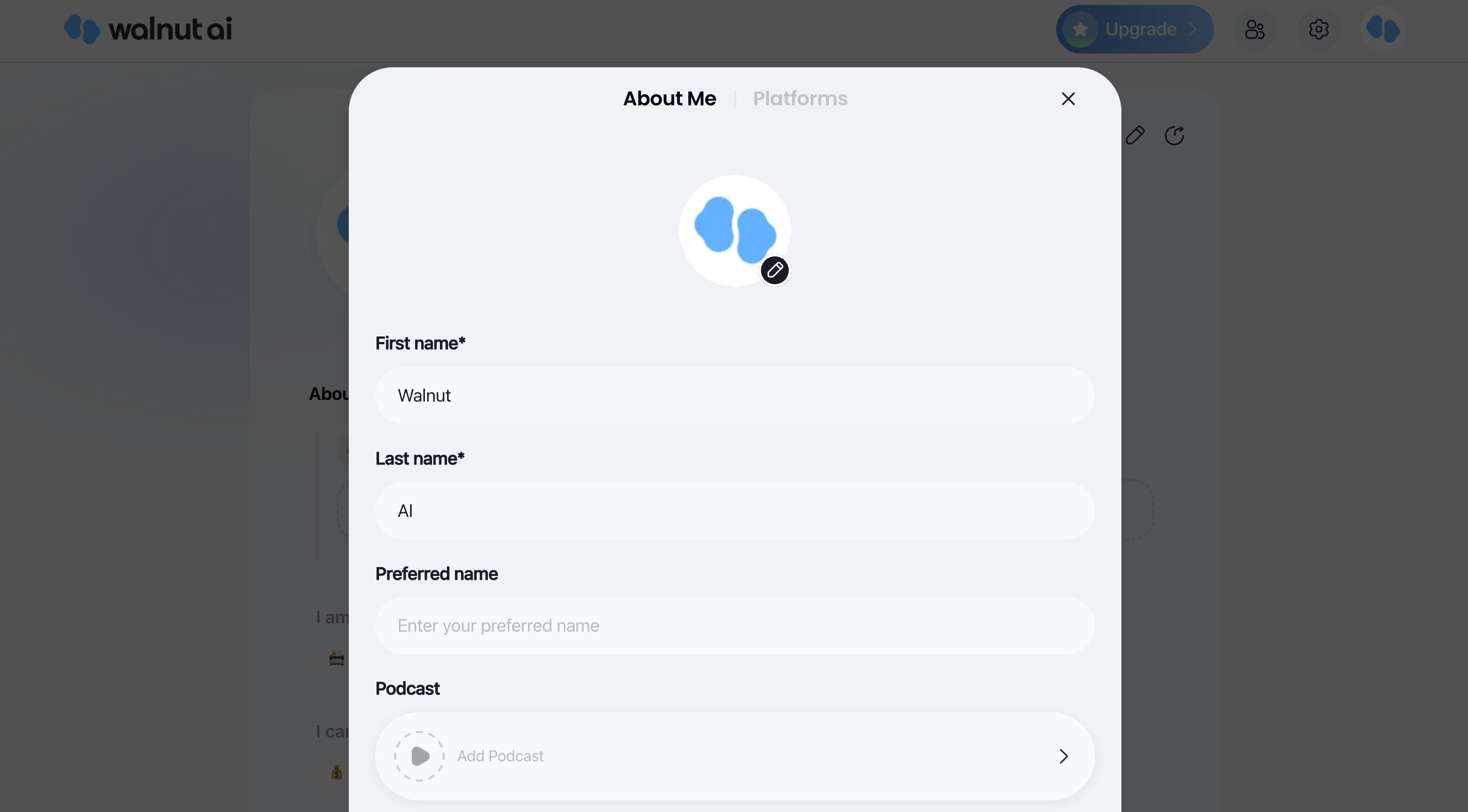
Walnut AI is also available on iOS App Store and Android Google Play. Feel free to check more on our mobile version.
🎁 Your Exclusive Beta Access & Premium Gift
For this round of beta test, we are providing 100 spots with the invitation code test02
Besides, as a sincere thank you for joining us early, you could claim a FREE month of our Premium tier(50 spots) in the Discord Community, completely free of charge. No credit card is required.
Check the announcements channel in the Discord, and the coupon code will be displayed in this channel.
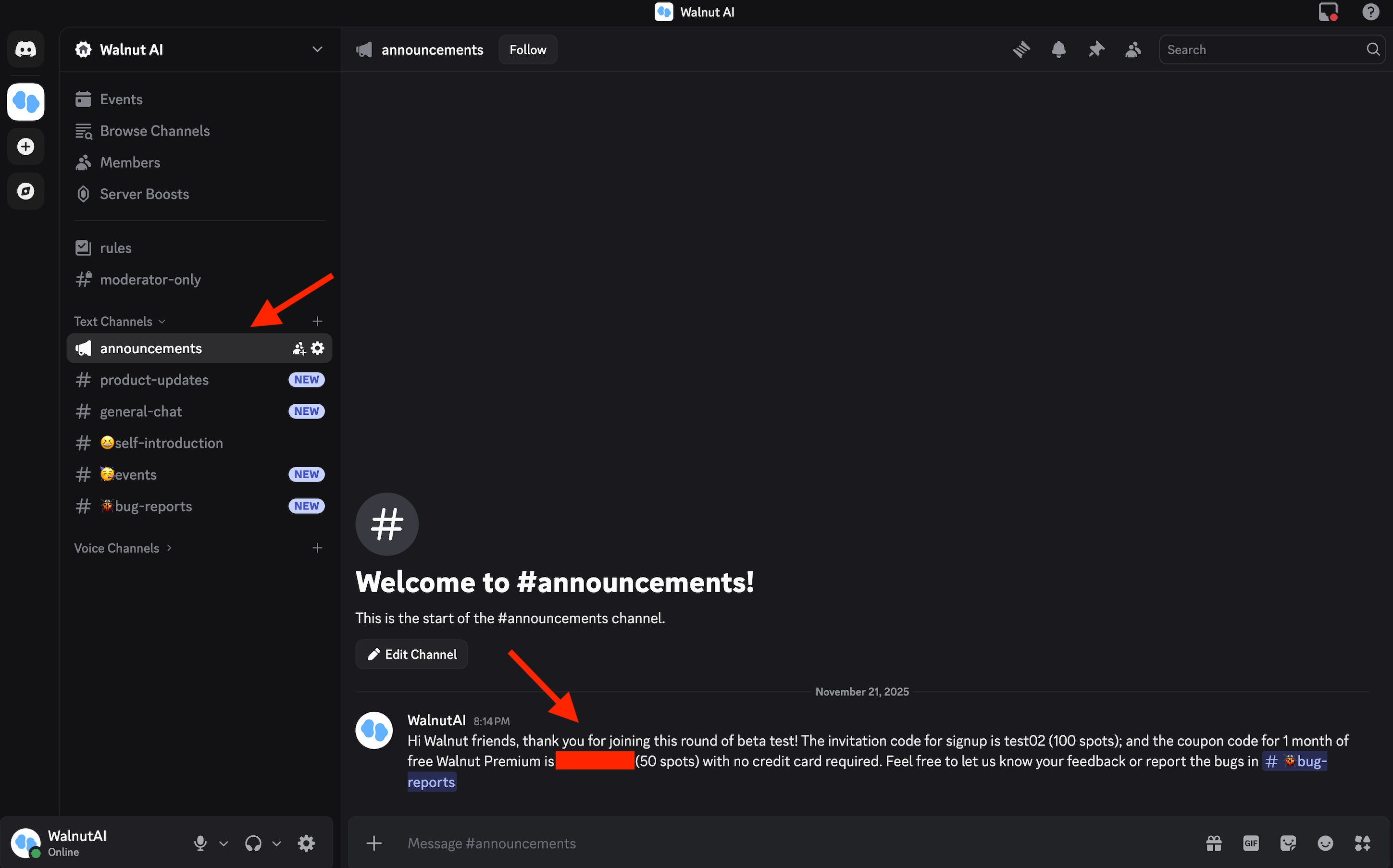
Please note that you should use this coupon code to upgrade premium on Website version when checking out. Then, no matter which platform you are using, you will unlock the Walnut premium features.
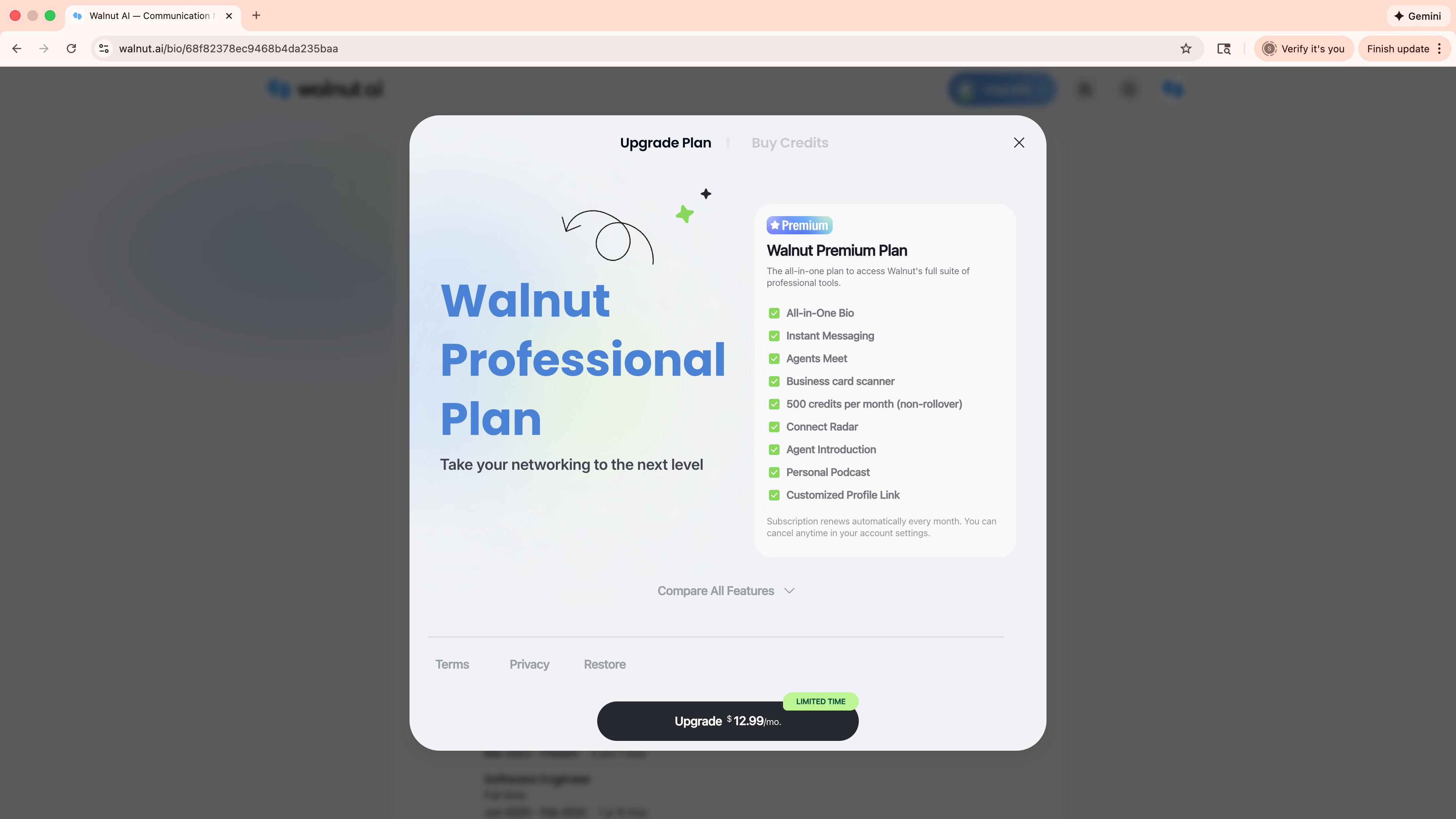
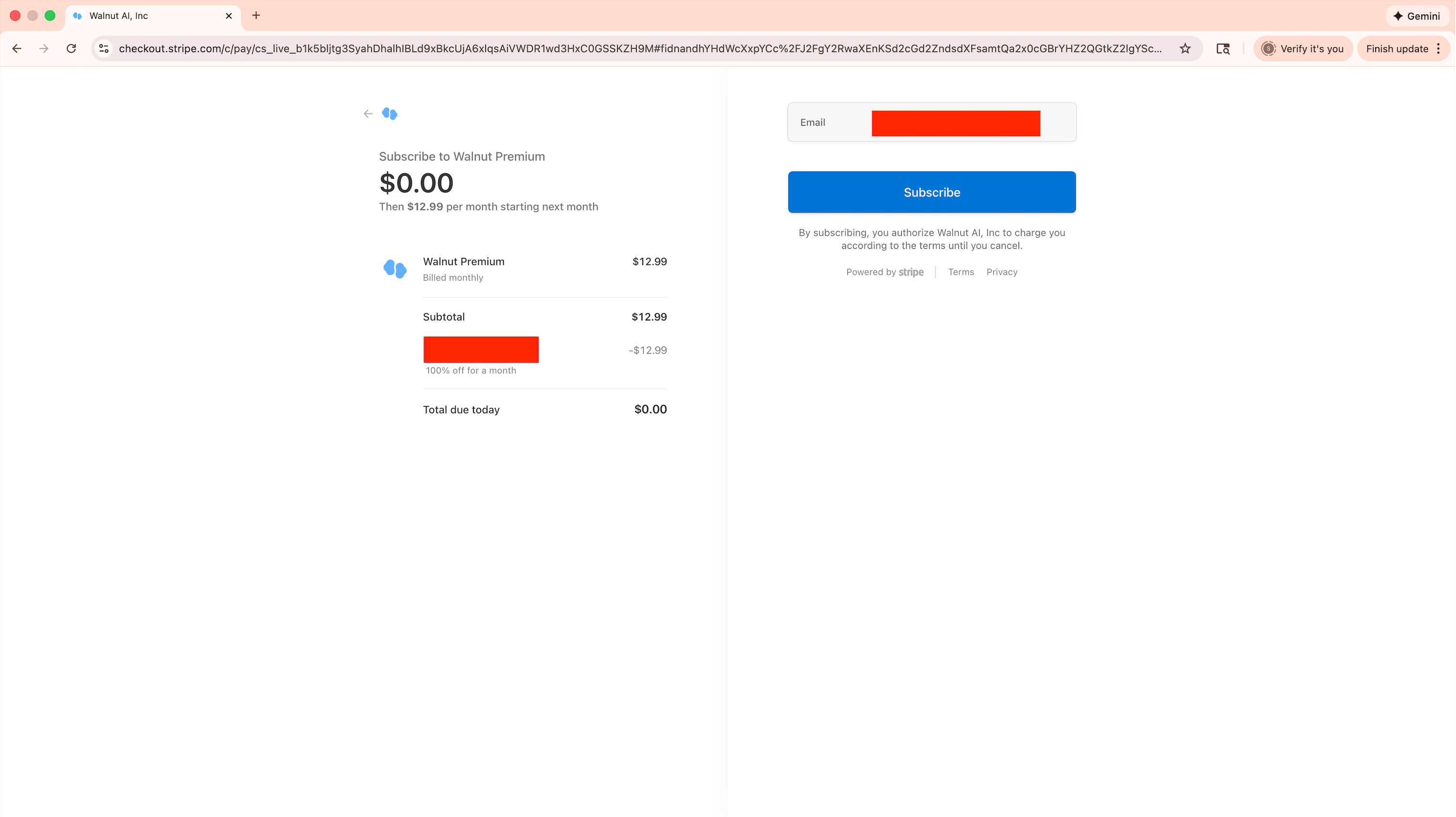
We look forward to welcoming you and seeing how Walnut AI can enhance your professional life.
Sincerely,
Watt
I'm still shocked when people use the real ones, but a lot of people are using the scanners and social these days